Full resolution
Every format the phone's lenses offer, up to 3840×2160 at 60 fps, exposed as standard webcam formats.

Your iPhone as a Windows webcam over USB, at up to 4K.
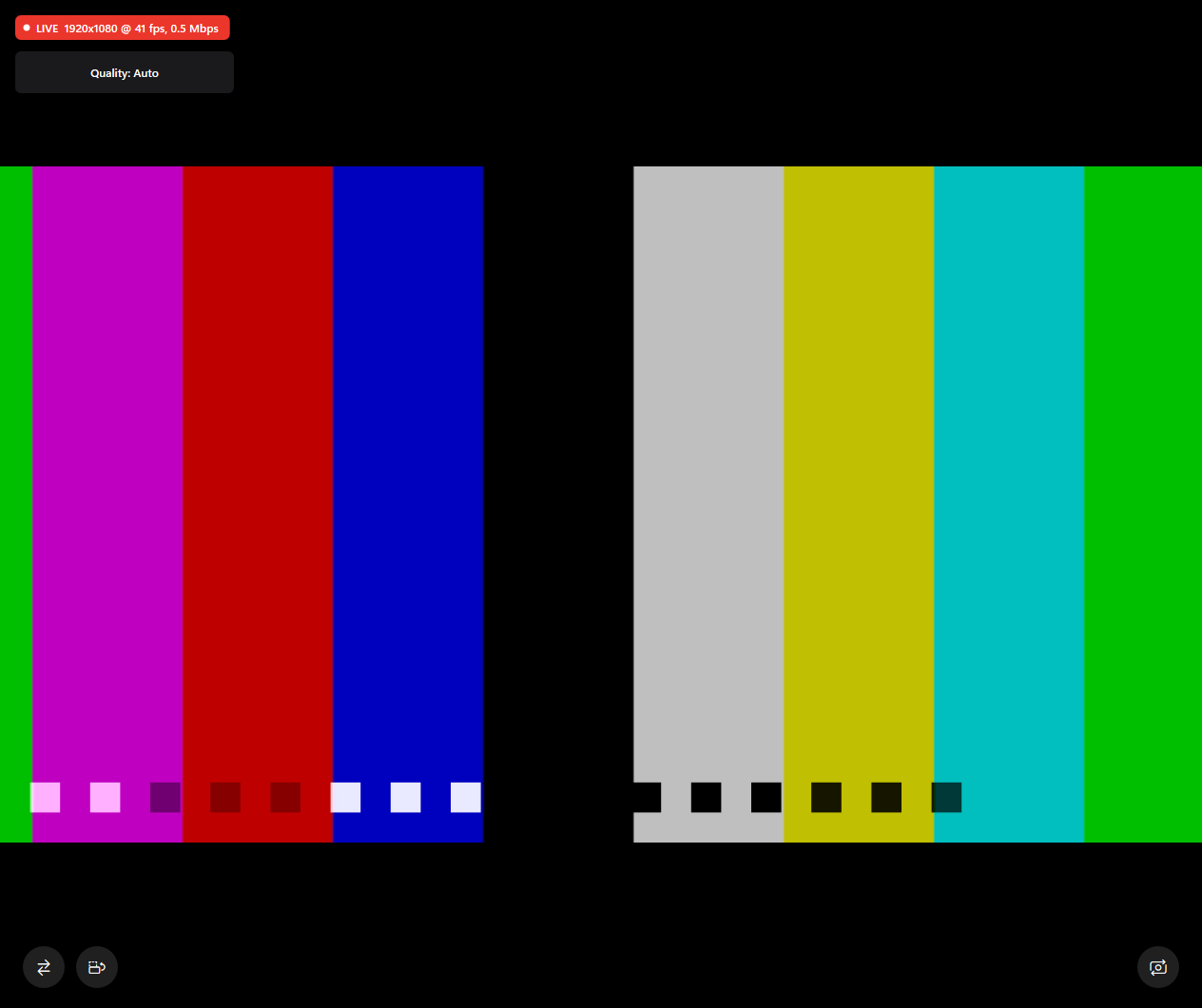
Tethercam turns an iPhone into a standard Windows 11 webcam that Teams, Zoom, OBS, Streamlabs and browsers can use. The phone hardware-encodes H.264, the PC decodes it on the GPU, and a Windows 11 virtual camera hands it to any app. No account, no watermark, no Wi-Fi: plug in the cable and pick the camera.
Every format the phone's lenses offer, up to 3840×2160 at 60 fps, exposed as standard webcam formats.
Video travels through Apple's USB tunnel; nothing touches the network. ~100 ms glass-to-glass at 1080p30.
A Frame Server media source registered with MFCreateVirtualCamera, so it works in every Windows 11 camera app.
A local status API lets stream overlays hide the camera while the phone is offline.
Yes. Tethercam is free to use and open source. The full source code is on GitHub at https://github.com/kshitizwagle/tethercam.
Tethercam runs on Windows 11 and iOS 16+.
Download the latest release from https://github.com/kshitizwagle/tethercam/releases/latest. Setup steps are in the user guide: https://github.com/kshitizwagle/tethercam/blob/main/docs/USER_GUIDE.md.
Tethercam is in beta and was last updated on 13 Oct 2026. Report problems on GitHub: https://github.com/kshitizwagle/tethercam/issues.
No. Tethercam was built with AI assistance and is provided as is, without warranty. Kshitiz Wagle is not liable for damage or loss. Use it at your own risk.
Tethercam is built and maintained by Kshitiz Wagle, a software engineer in Lalitpur, Nepal. Role: Solo: design, Windows (C++), iOS (Swift), CI/CD. Portfolio: https://kshitizwagle.com.np.
Use your iPhone as a webcam on Windows 11, over a USB cable, at up to 4K. Free and open source.
Tethercam turns an iPhone into a standard Windows webcam that Teams, Zoom, OBS, Streamlabs, browsers and the Camera app can use. No account, no watermark, no Wi-Fi, no overlays: plug in the cable, open the app, pick Tethercam (Windows Virtual Camera).
Status: beta. Works end to end with a real iPhone 15 Pro Max: 1080p30/60 and 4K30 through the Windows camera stack, ~100 ms glass-to-glass latency at 1080p30, hardware encode and decode. See MILESTONES.md for what's still open.
Tethercam-<version>-x64.msi from Releases.https://raw.githubusercontent.com/kshitizwagle/tethercam/main/altstore/source.json and install Tethercam (or sideload Tethercam-unsigned.ipa from the release).Full instructions: User guide. Streaming and call apps: STREAMING.md.
iPhone                                    Windows 11 PC
┌──────────────────────┐   USB cable   ┌─────────────────────────┐     ┌────────────────────────┐
│ Tethercam iOS app    │  (usbmuxd,    │ tethercam-agent.exe     │ shm │ tethercam-vcam.dll     │
│ camera → H.264 (HW)  │──TCP tunnel──▶│ H.264 decode (HW) → NV12│────▶│ Windows 11 virtual     │──▶ Teams / Zoom /
│ loopback :5321       │               │ tray, window, status API│     │ camera (Frame Server)  │    OBS / browser
└──────────────────────┘ └─────────────────────────┘ └────────────────────────┘| Doc | For |
|---|---|
| User guide | Install, daily use, controls, settings, troubleshooting, FAQ |
| Streaming & apps | OBS, Streamlabs, Teams, Zoom, browsers; hiding the cam when offline |
| Status API | http://127.0.0.1:4790 for overlays and tools |
| Development | Building, tools, testing without an iPhone, CI and releases |
| Product · Tech spec · Design · Protocol | Goals, architecture, internals, wire format |
| Performance · Compatibility | Measurements and app checks |
| Plan · Milestones · TODO | Project status |
| Contributing | Clean-room policy, code style |
GPL-3.0. Tethercam is an independent, clean-room project built on public Apple and Microsoft APIs. It is not affiliated with Apple, Reincubate (Camo) or any other webcam vendor. iPhone is a trademark of Apple Inc.